'%3e%3cg%20transform='matrix(2.666667,0,0,2.666667,5760,0)'%3e%3cg%20transform='matrix(1,0,0,1,556.8333,445.4723)'%3e%3cpath%20d='M0,189.147L110.99,133.34L115.498,131.074C117.432,130.101%20119.055,128.606%20120.182,126.758L121.162,125.151C121.844,124.033%20122.141,122.722%20122.027,121.418C121.761,118.36%20121.188,115.478%20120.334,112.761C107.917,73.25%2036.178,68.505%20-12.485,63.99C-38.65,61.788%20-58.204,59.308%20-58.204,51.596C-58.204,45.813%20-51.595,41.406%20-32.59,41.406C-13.586,41.406%20-3.396,46.914%201.839,57.657L116.137,57.657C100.99,18.271%2051.414,-8.17%20-35.62,-8.17C-36.034,-8.17%20-36.446,-8.169%20-36.858,-8.168C-43.415,-8.149%20-49.87,-6.586%20-55.728,-3.641L-177.862,57.769C-180.317,59.003%20-181.868,61.517%20-181.869,64.266C-181.869,116.046%20-105.027,121.278%20-51.595,125.41C-22.95,127.614%20-0.917,129.266%20-0.917,137.804C-0.917,144.413%20-10.556,149.648%20-29.286,149.648C-49.116,149.648%20-60.684,144.138%20-65.641,133.673L-180.217,133.673C-168.248,171.975%20-118.259,195.635%20-35.711,197.211C-30.115,197.317%20-24.519,196.832%20-19.033,195.723C-12.424,194.387%20-6.023,192.176%200,189.147'%20style='fill:rgb(252,195,7);fill-rule:nonzero;'/%3e%3c/g%3e%3c/g%3e%3c/g%3e%3c/svg%3e)

Professional diagramming for film industry.
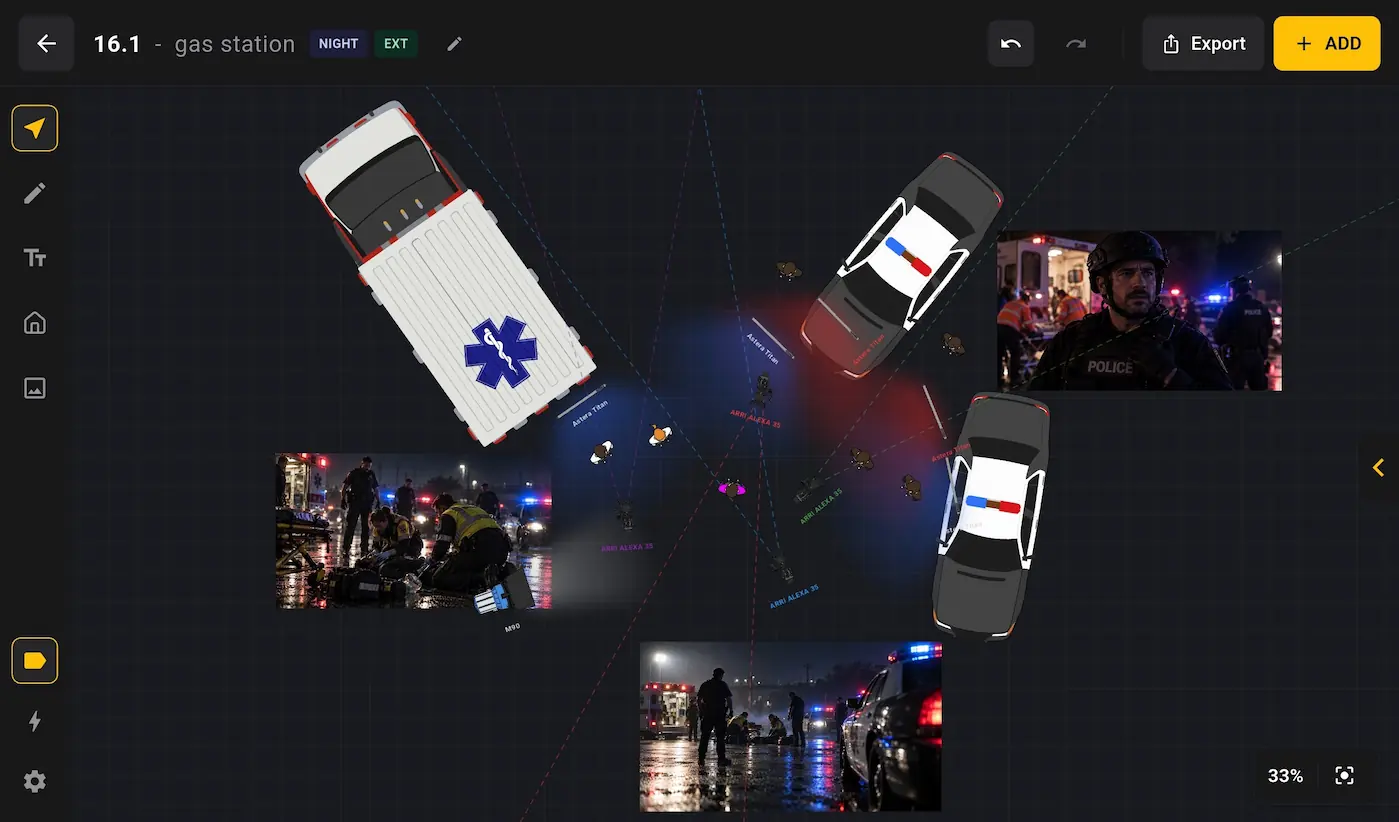
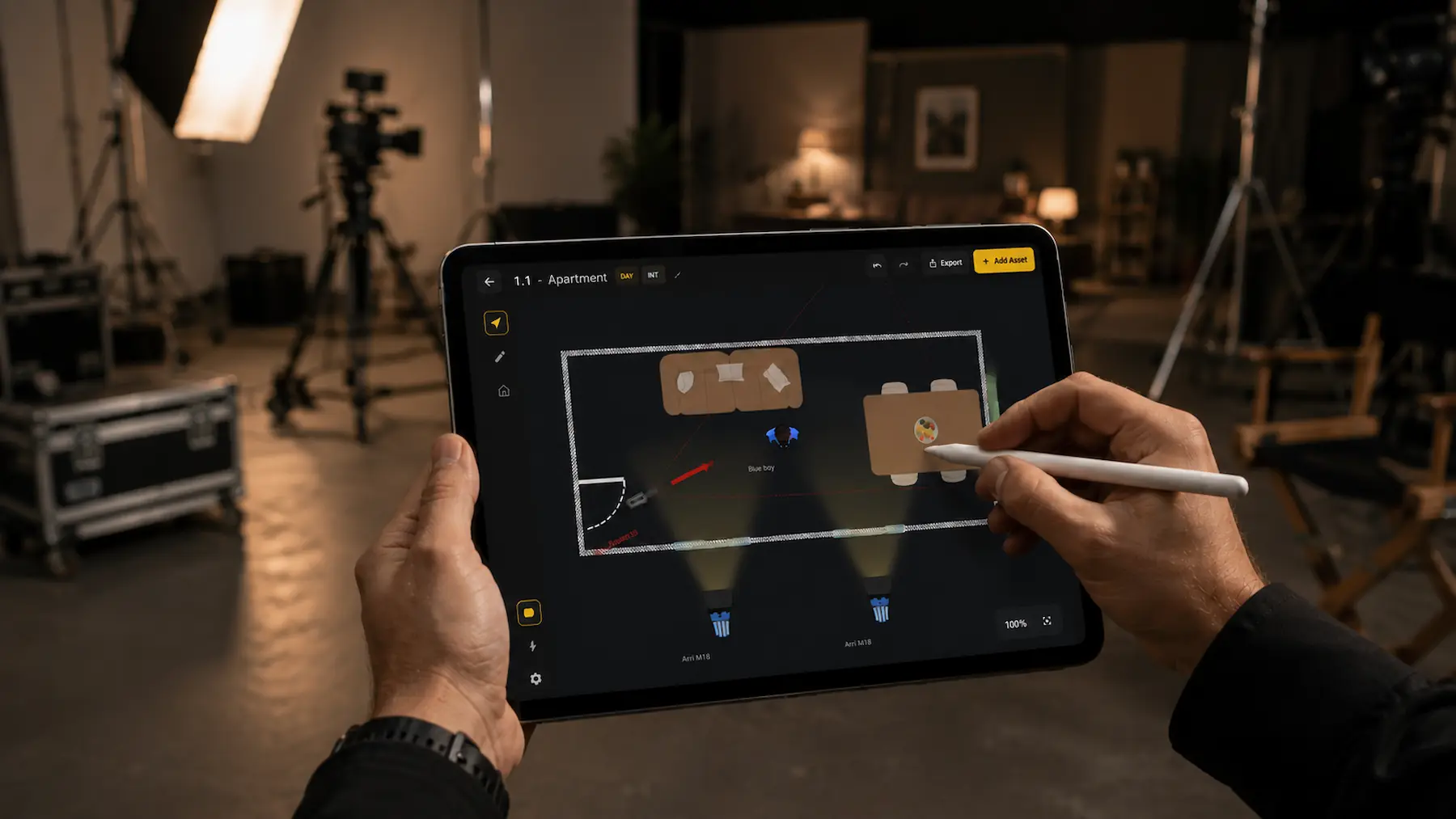
Structure sequences using real equipment, lights, camera
props and talent to create precise set planning.
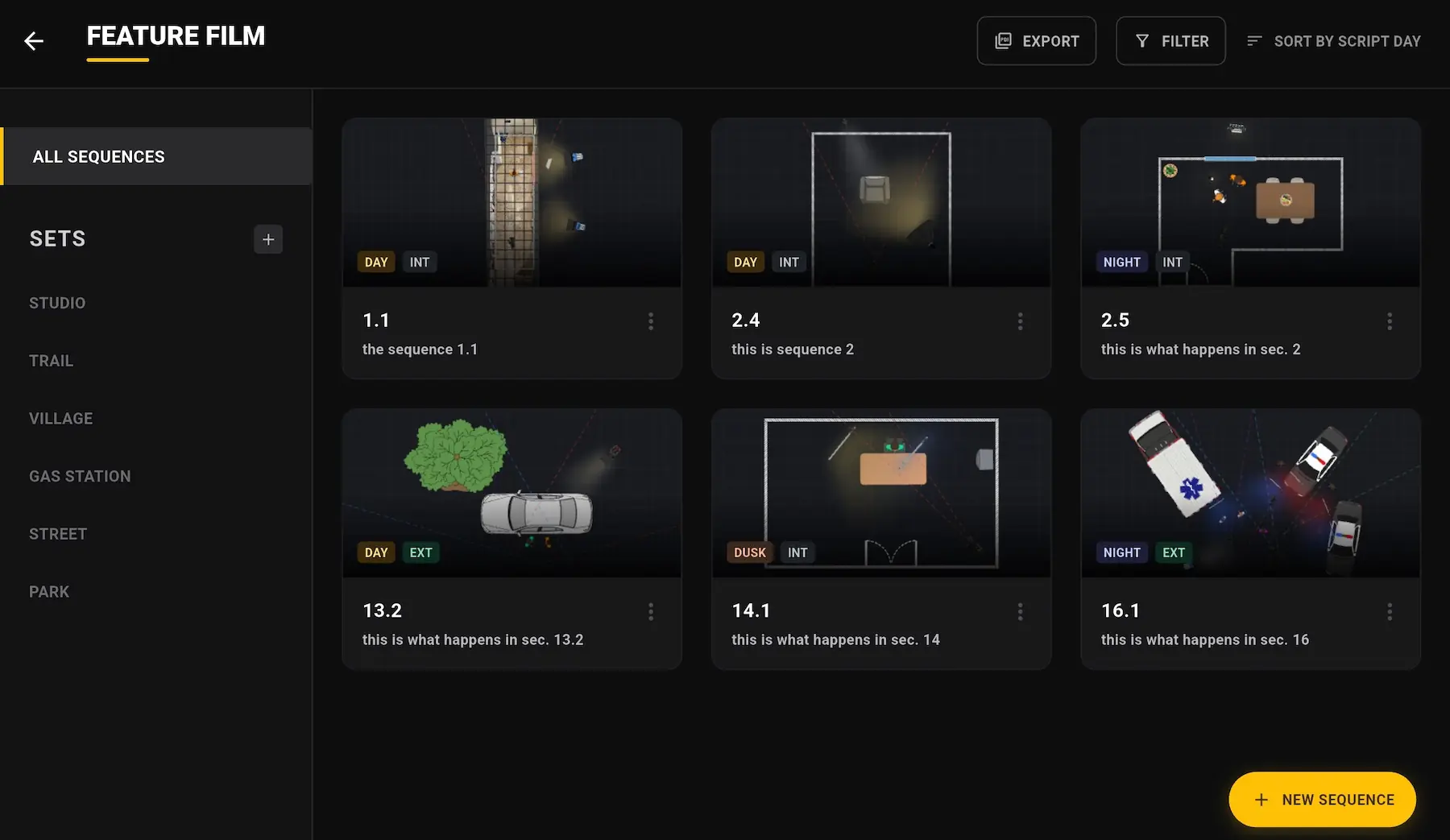
Organize yourProduction
Structure your work by project, set, and sequence so every diagram stays connected to the bigger picture.
Build your set in minutes
SETMAP's architectural tools are built for speed. Sketch out a location quickly and get straight to the work.
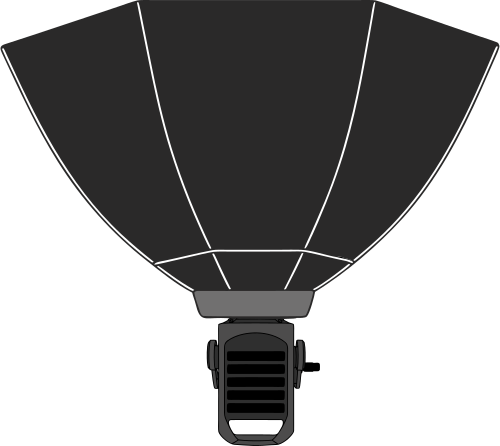
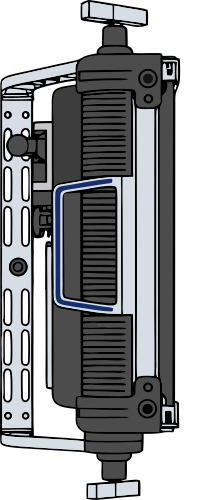
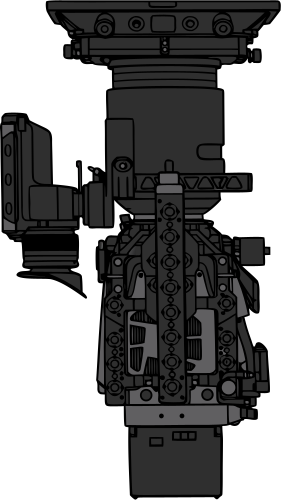
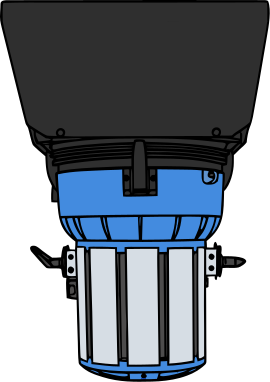
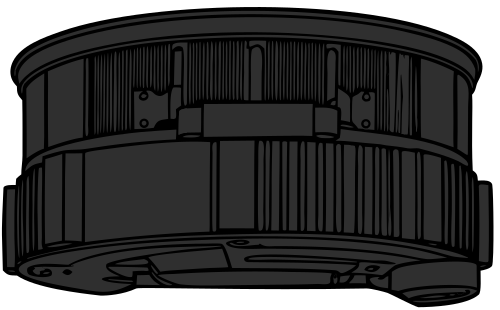
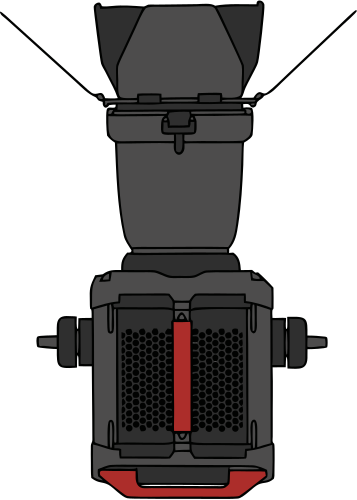
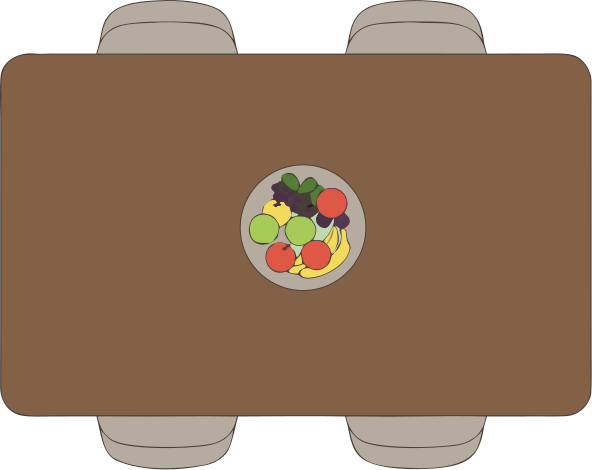
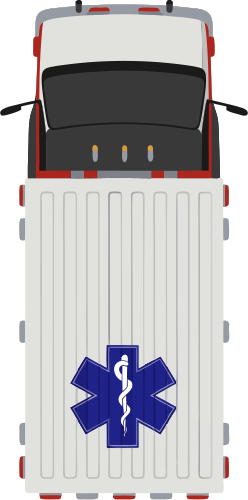
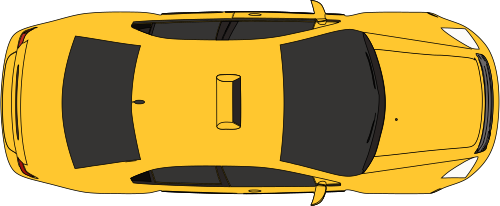
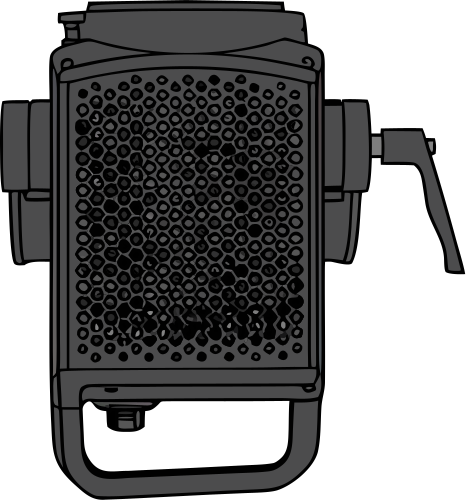
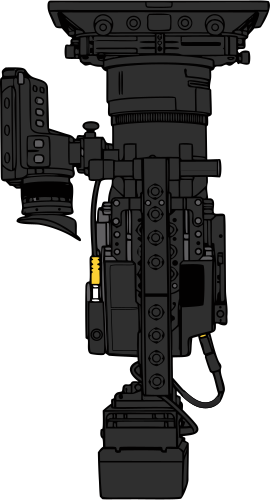
Real Equipement Assets
A thoughtfully built asset library covering the most typical production gear used in film and television.

.svg)







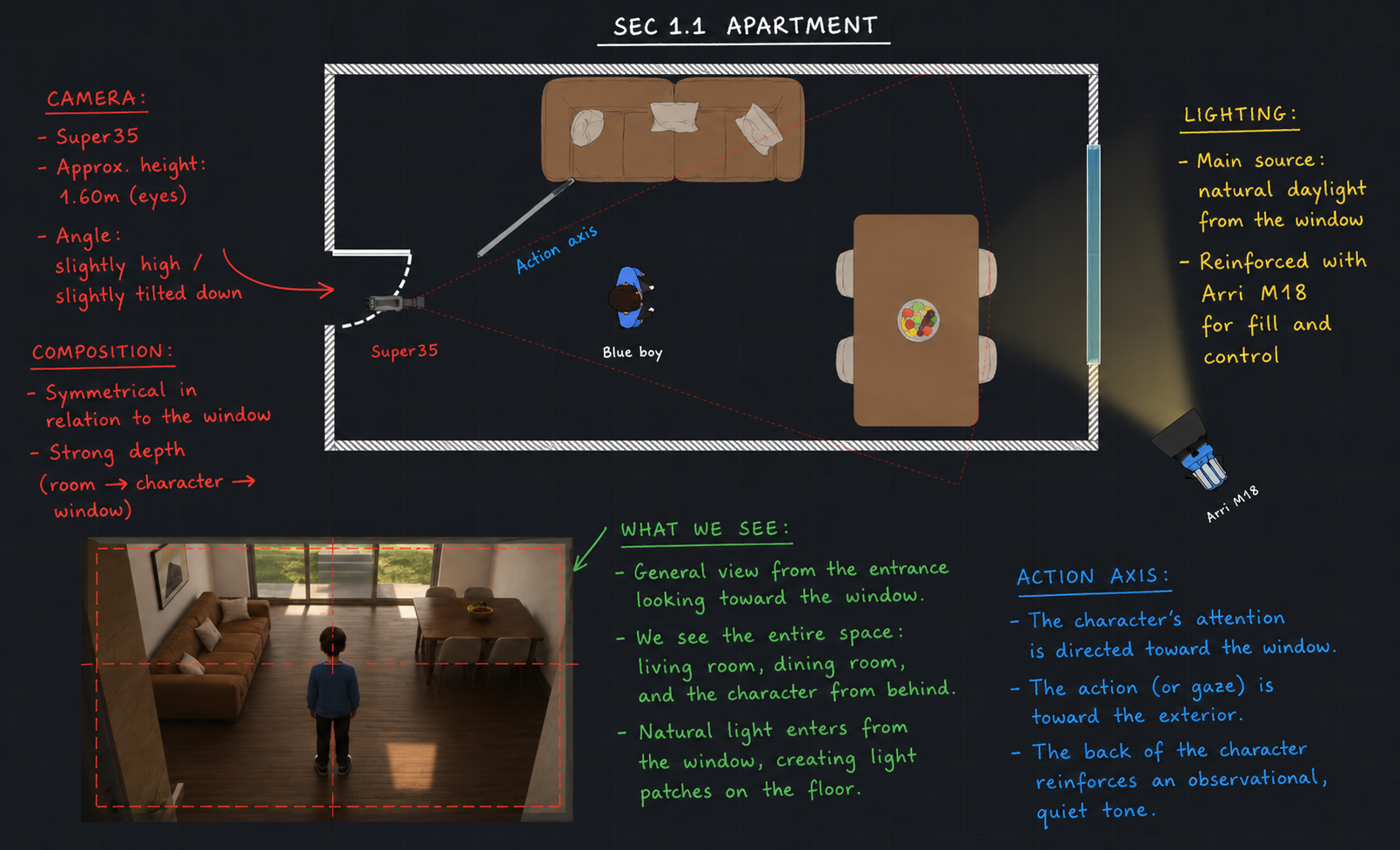
Freehand notation
Combine precision layout tools with fast annotation. Mark blocking paths, movement, or quick lighting notes directly on the plan.
Layer and
Visibility Control
Show and hide asset groups by category or color tag to keep the canvas clean.
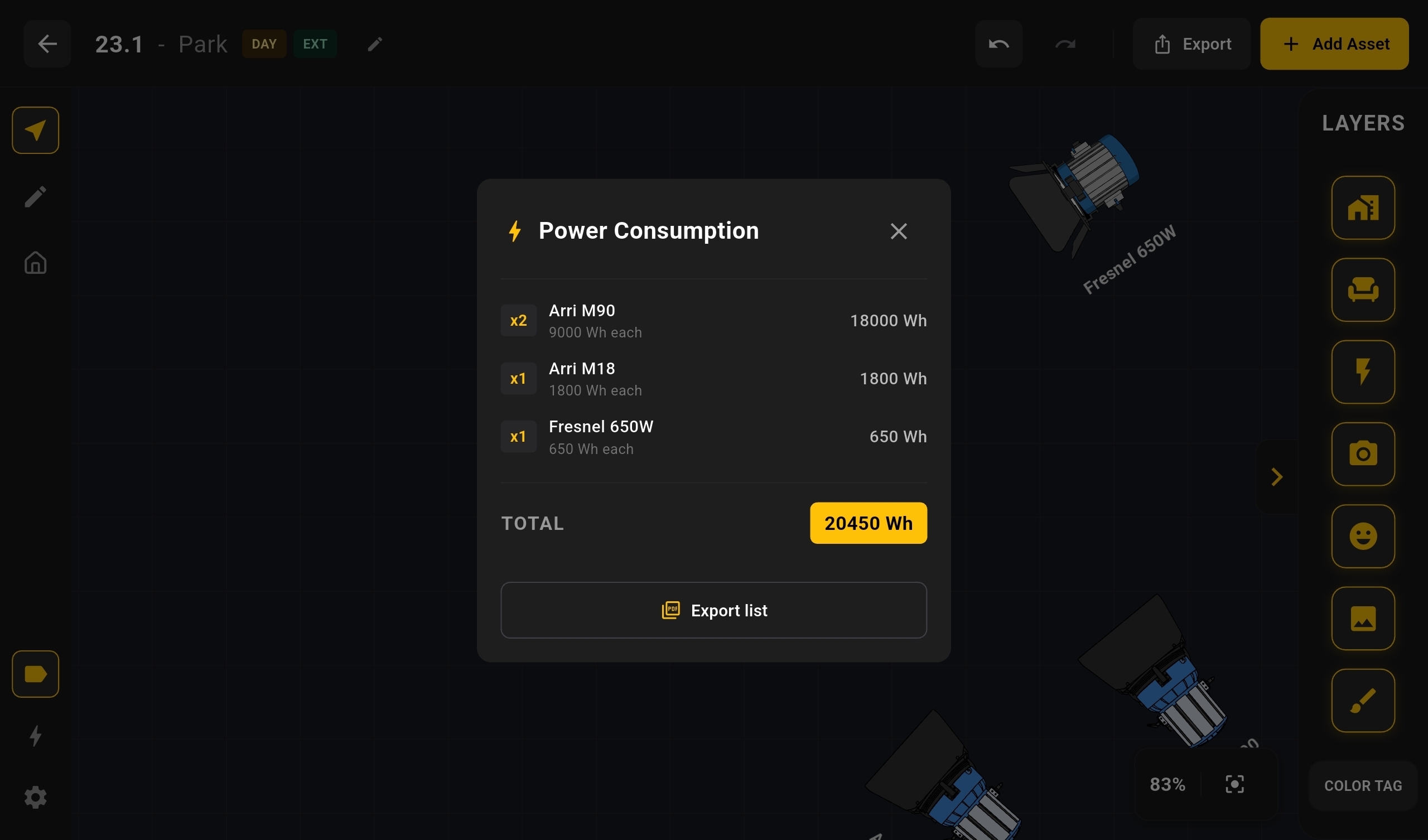
Lighting Power Summary
See the full list of lights on your set and their total power draw at a glance.
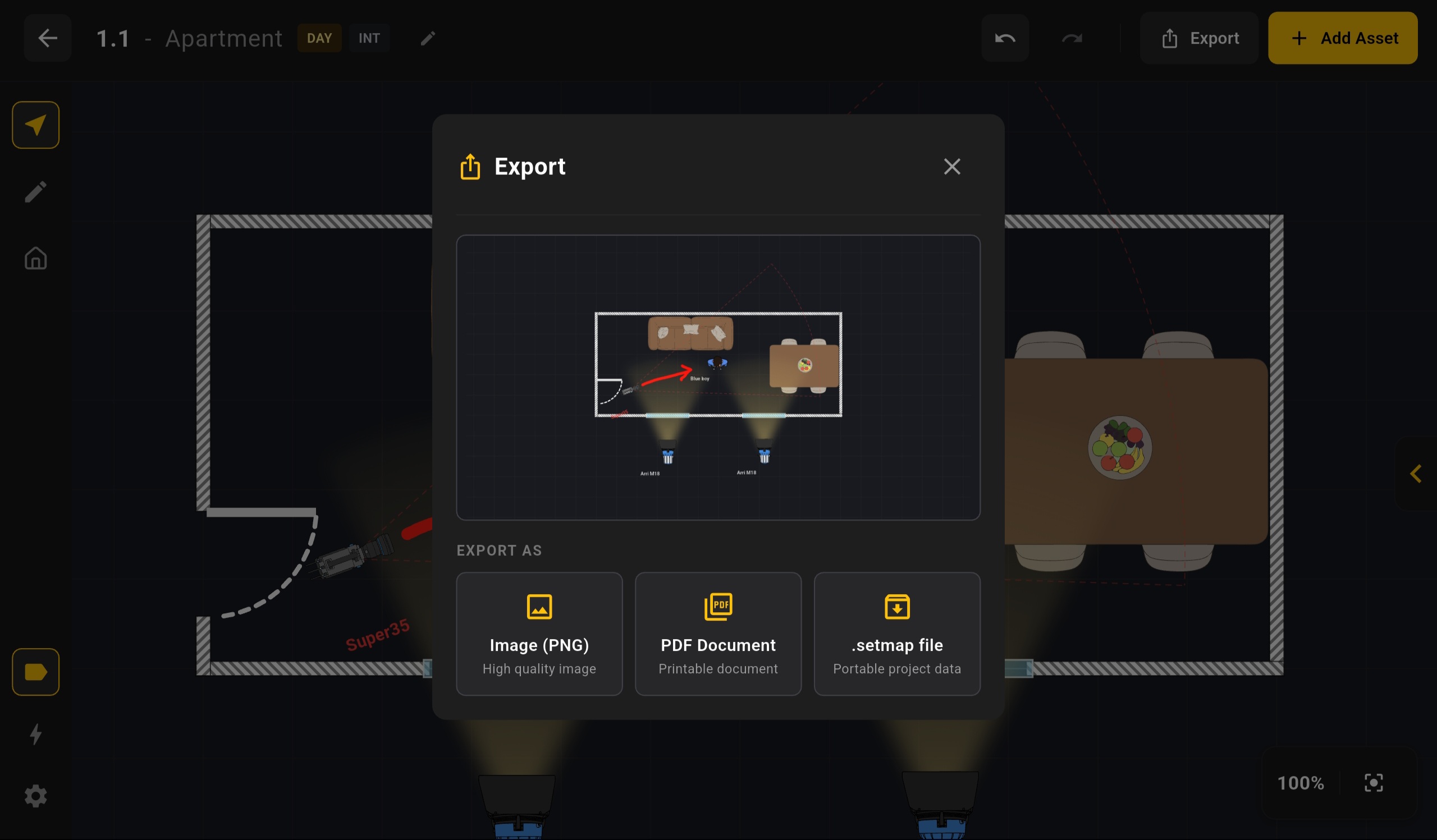
Granular export system
Export a single sequence as an image, a full set as PDF, or an entire project with metadata included
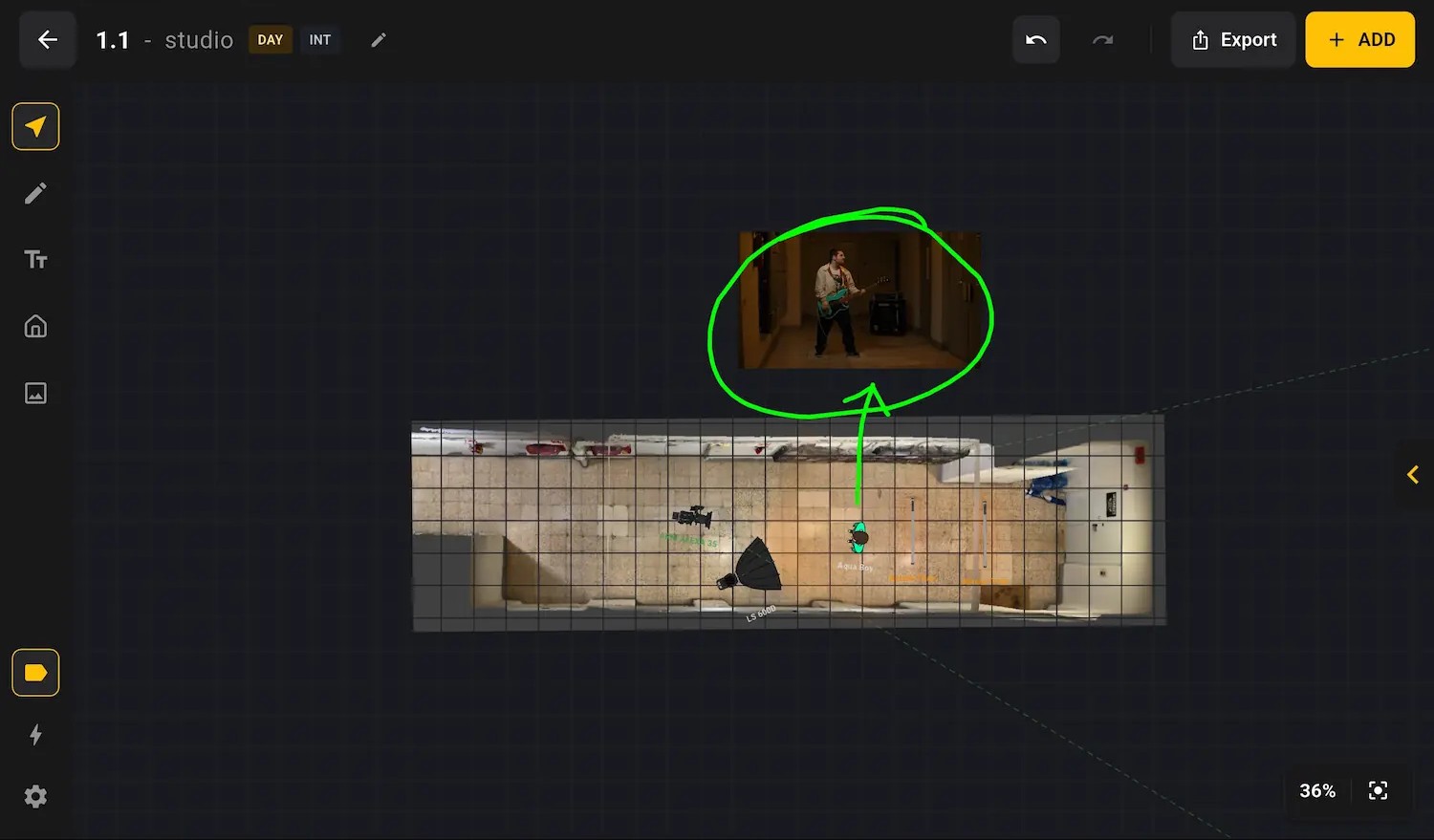
Bring Your Own Images
'/%3E%3C/svg%3E)
'/%3E%3C/svg%3E)
Drop in your own icons, photos, backgrounds and storyboard frames to plan with real visual references.
Fully offline
SETMAP lives on your device and works the same on set, on a remote location, or on a plane.
Closed beta access
SETMAP is opening a small iOS-only closed beta for filmmakers and production teams. Access is distributed through TestFlight so you can put it through a real shoot and help us refine what comes next.
FAQs
Everything you need to know about SETMAP before you get started.
What exactly is SETMAP?
SETMAP is a set diagramming app built specifically for film and TV production, optimized for tablets. It lets you lay out your set — cameras, lights, furniture, crew, and talent positions — so everyone on set knows the plan before the first setup.
Does it work without an internet connection?
Yes, SETMAP is fully offline. Your projects live on your machine, not on a server. No login, no cloud sync, no connection required. Open the app and start working — even on a remote location with zero signal.
What file formats can I export?
You can export PNG images, PDF files, and the custom .setmap project file format for exporting and importing projects between SETMAP instances. Those exports make it easy to share diagrams and project files with the rest of your team.
What if some assets are missing?
If something you need is missing, you can work around it by uploading your own images while we continue expanding the built-in asset library. We are actively working to include as many useful production assets as possible, but building a broad, practical catalog takes time, so this part is still very much a work in progress.
Is there a subscription or recurring fee?
No subscription is required to use SETMAP today. You pay once and get the full core app, and ongoing improvements to that core experience remain included. In the future, we may choose to offer optional paid extras for teams that want them, but the goal is to keep the main product straightforward and fully usable without a recurring fee.
How does the lighting power summary work?
Every light you place on your diagram carries a maximum wattage value. SETMAP tallies the total power draw in real time so you can check your set's electrical load at a glance — useful for planning generator capacity or breaker limits.
What devices does SETMAP run on?
SETMAP runs on Android and iOS phones and tablets, as well as desktop versions for Windows and macOS.